
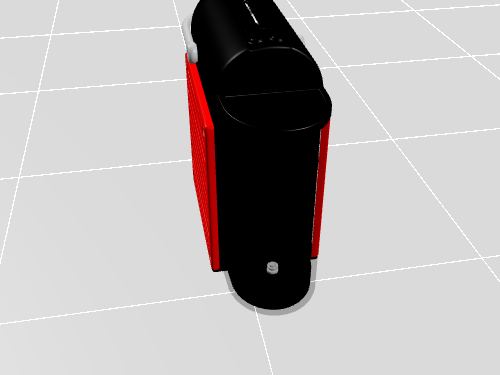
1. Espressor Nespresso




Controls
×- Rotate with the left mouse button.
- Zoom with the scroll button.
- Adjust camera position with the right mouse button.
- Double-click to enter the fullscreen mode.
- On mobile devices swipe to rotate.
- On mobile devices pinch two fingers together or apart to adjust zoom.
- On mobile devices 3 finger horizontal swipe performs panning.
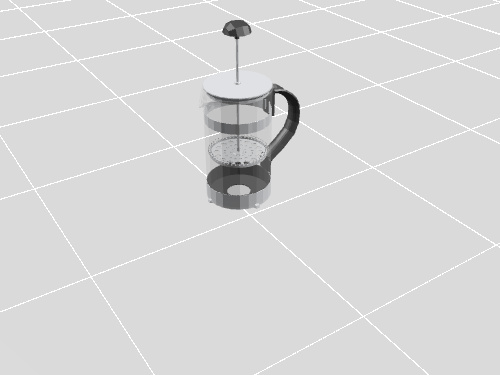
2. Râșniță de cafea
Controls
×- Rotate with the left mouse button.
- Zoom with the scroll button.
- Adjust camera position with the right mouse button.
- Double-click to enter the fullscreen mode.
- On mobile devices swipe to rotate.
- On mobile devices pinch two fingers together or apart to adjust zoom.
- On mobile devices 3 finger horizontal swipe performs panning.
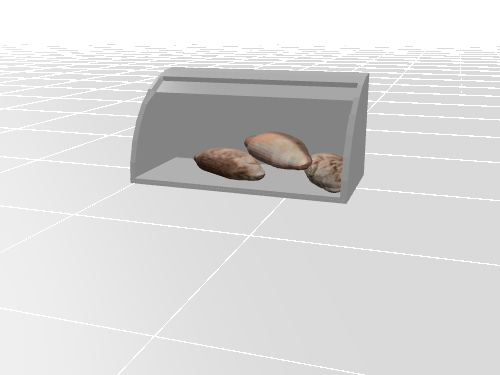
3. Cutie pentru pâine
Controls
×- Rotate with the left mouse button.
- Zoom with the scroll button.
- Adjust camera position with the right mouse button.
- Double-click to enter the fullscreen mode.
- On mobile devices swipe to rotate.
- On mobile devices pinch two fingers together or apart to adjust zoom.
- On mobile devices 3 finger horizontal swipe performs panning.
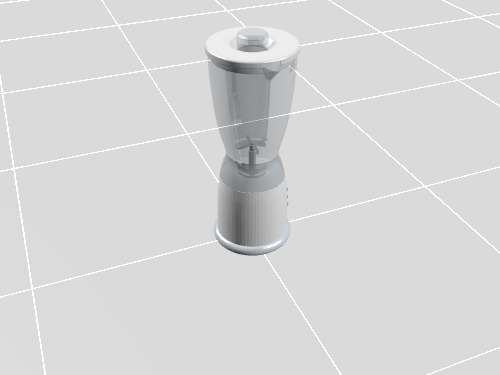
4. Blender
Controls
×- Rotate with the left mouse button.
- Zoom with the scroll button.
- Adjust camera position with the right mouse button.
- Double-click to enter the fullscreen mode.
- On mobile devices swipe to rotate.
- On mobile devices pinch two fingers together or apart to adjust zoom.
- On mobile devices 3 finger horizontal swipe performs panning.
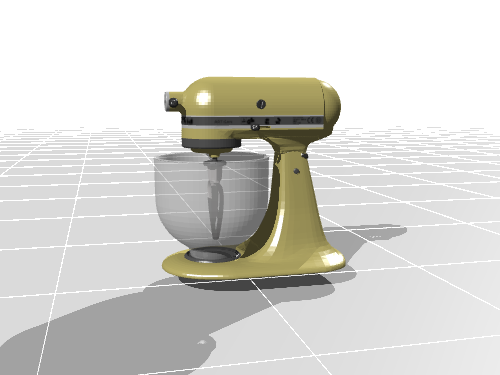
5. Robot de Bucătărie
Controls
×- Rotate with the left mouse button.
- Zoom with the scroll button.
- Adjust camera position with the right mouse button.
- Double-click to enter the fullscreen mode.
- On mobile devices swipe to rotate.
- On mobile devices pinch two fingers together or apart to adjust zoom.
- On mobile devices 3 finger horizontal swipe performs panning.
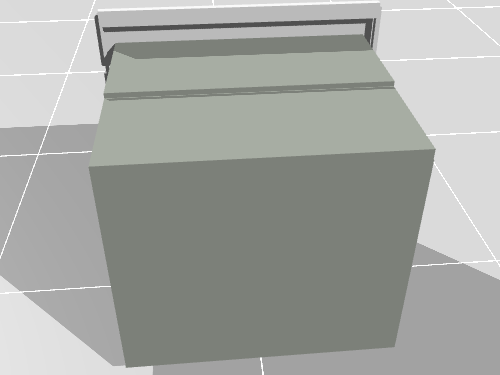
6. Cuptor Electric
Controls
×- Rotate with the left mouse button.
- Zoom with the scroll button.
- Adjust camera position with the right mouse button.
- Double-click to enter the fullscreen mode.
- On mobile devices swipe to rotate.
- On mobile devices pinch two fingers together or apart to adjust zoom.
- On mobile devices 3 finger horizontal swipe performs panning.
